Systems that keep the site, the office and accounts on the same page
Quotes, site diaries, variations and progress claims flow into one place, so builders and property teams spend less time re-keying and more time on the job.
Where construction and property businesses usually lose time and money
Four leaks we find in most businesses, and what we change.
What we usually find
What we change
One job, four people, and the system step at each point
From the first site visit to the invoice, everyone works from the same job record.
Technician

Checks the day’s jobs, access notes and past work at each property before starting.
Job list synced to the phone, with the site history attached
Carpenter
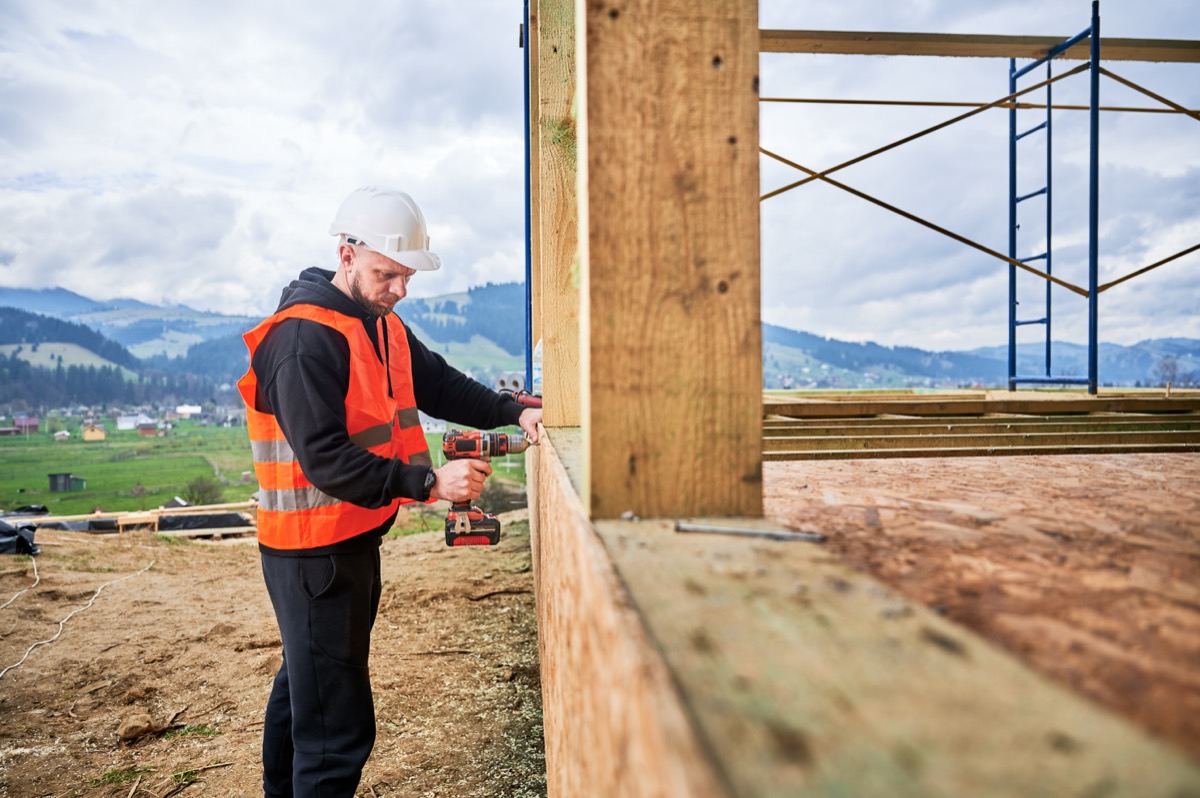
Logs photos, notes and a variation request from the phone, even with poor signal.
Update filed against the right job, office notified
Project manager

Reviews the variation with the photos in front of them and approves it in one step.
Variation approved, client told the new date
Accounts

Checks the approved variation and sends the invoice without retyping a line.
Invoice drafted with the job details
What we build for construction and property
See all servicesThe systems construction and property teams ask for most.
CRM Implementation
Customers, sites and jobs linked properly.App Development
Field apps for site reports and sign-offs.Intelligent Document Processing
Work orders and invoices read automatically.Zoho Implementation
Zoho set up around jobs and properties.How a construction business runs on one CRM
The problem, the architecture we built and what changed.
How job, site and customer records are kept
Plain notes on where your data lives and who can see it.
General information about the systems we build, not legal advice. Check your own record-keeping and privacy obligations with your adviser.
Your data, your accounts
Systems run in your own CRM and app accounts. Access and documentation are handed over at the end of the project.
Access by role
Permissions are set by role, so site crews see their jobs and the office sees customers, quotes and invoices.
One record for each site
Customers, properties and jobs are linked, so photos, documents and history stay with the property for repeat work.
Every change logged
Approvals, variations and automated steps are logged with who did what and when.
The office, the site and the accounts, on one CRM
We connect the tools construction and property teams already use, so quotes, jobs, photos and invoices land on the same record.
Jobs and field
ProjectAccounts
InvoiceFiles and calendars
FileBrands we have built with



Resources
Learn more about systems for construction and property
Learn more about systems for construction and property

You’re all caught up — nothing new here right now.
Questions construction and property businesses ask us
Anything else, ask us on a free 30-minute call.
Usually, through their APIs. We connect rather than replace where we can.
Yes. Linking customers, properties and jobs is one of the most common setups we build.
Yes, with a simple app or form that works offline and files updates against the right job.
Yes. Work orders and supplier invoices can be read and checked before they are saved.
Yes. Service and suburb pages, landing pages and ads that bring in the jobs you want.
Where do jobs get stuck between the office and the site?
Tell us how a job runs today, from enquiry to invoice, and the tools you use. We will show you where the time goes.