Bookings, dockets and delivery updates that move on their own
Transport teams lose hours retyping bookings, chasing proof of delivery and answering “where is my freight?” calls. We automate the paperwork and updates around every job, and send only the exceptions to dispatch.
Where dispatch and accounts lose hours every day
Four patterns we see in most transport businesses, and what we change.
What we usually find
What we change
Systems we have built
Automation, records and apps for businesses across Australia.


How jobs, dockets and customer details are kept
Plain notes on what the system checks and who sees what.
General information about the systems we build, not legal advice. Check your record-keeping and privacy obligations with your own adviser.
Unclear dockets go to a person
A docket the system cannot read clearly becomes an exception for dispatch. It never guesses.
POD kept with the job
Each proof of delivery is stored against its job and travels with the invoice.
Access by role
Drivers see their runs, dispatch sees the board, and accounts sees what is ready to invoice.
Your accounts, your data
Systems run in your own accounts. Access and documentation are handed over at the end.
Bookings, dispatch and invoicing, on one customer record
We connect your transport software, inboxes, messaging and accounts to HubSpot where their APIs allow, so every customer and job has one history.
Transport and freight
OrderMaps and tracking
BookingAccounts
InvoiceCommunication
Automation
DraftWhat we build for transport and logistics
See all servicesStart with one workflow, prove it, then expand.
Workflow Automation
Booking intake and customer updates that run themselves.Intelligent Document Processing
Dockets and POD read and matched to the job.App Development
Driver and customer apps where your software stops.System Integration
Your transport software, CRM and Xero in step.One job, four people, and the system step at each point
From the booking email to the invoice, the paperwork moves with the freight.
Yard supervisor

Starts the day with overnight bookings already in the system.
Bookings created from email and the portal
Driver

Photographs the signed docket at the drop and drives on.
POD read and attached to the job
Warehouse
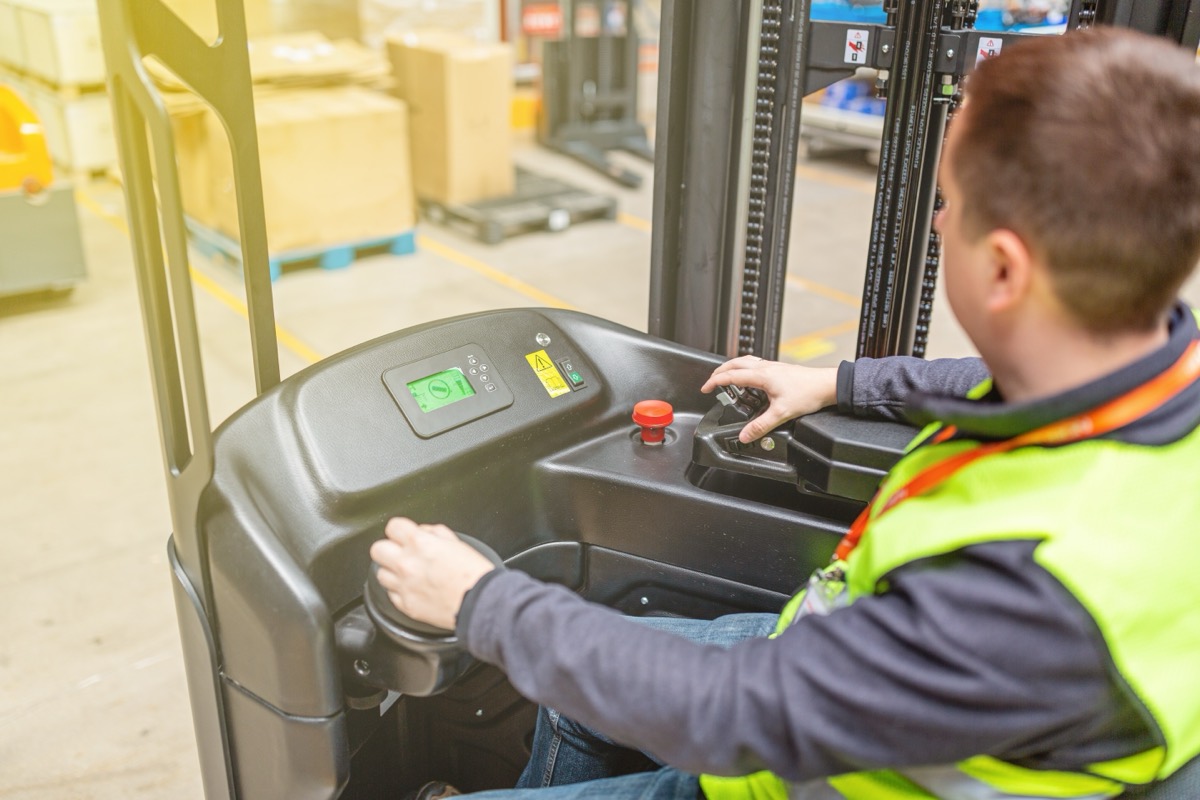
Loads the afternoon run while customers get their updates without a call.
Status update sent to the customer
Accounts

Invoices the day’s completed jobs without waiting for paperwork.
Jobs sent to Xero with POD attached
Businesses we have worked with
Hospitality, retail, property and professional services, in Sydney and beyond.
One workflow first, then the next
We validate one workflow before we expand, so you see it working on your own jobs.
Pick one workflow
Often booking intake or proof of delivery, where the hours are easiest to see.
Build it around your tools
Connected to your transport software where its API allows, rather than replacing it.
Run it with your team
Exceptions go to dispatch, and the team checks the results on real jobs.
Expand when it works
Customer updates, invoicing or a driver app, one at a time.
Questions transport businesses ask us
Anything else, ask us on a free 30-minute call.
Systems
Usually, through its API or exports. We check before we quote.
With one workflow, often booking intake or POD. Prove it, then expand.
Dockets and customers
Yes, when they are reasonably clear. Unclear ones become exceptions for a person.
Yes. Completed jobs can flow to Xero with the POD attached.
Yes, through automatic updates or a simple customer portal.
Where does paperwork slow your dispatch desk?
Tell us how a job moves today, from booking to invoice, and the software you use. We will suggest the one workflow to start with.