

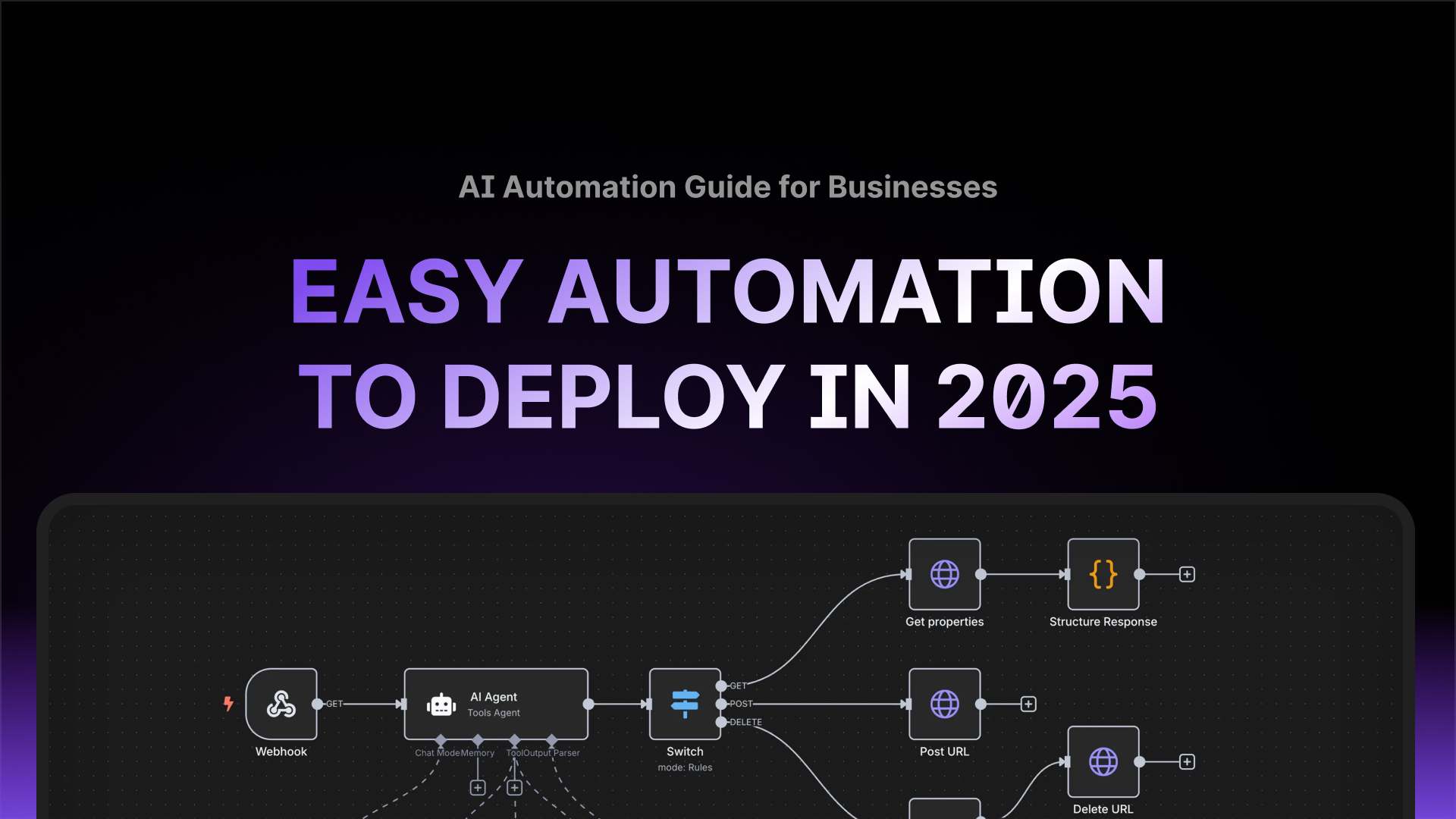




Why AI Automation with n8n Matters in 2026
Context & Macro trends
You must have heard this before: “The future of work is not just digital, it is automated and intelligent.” This has, however, never been so relevant in 2026 as ever before. The modern organisational landscape, from nimble startups to complex government agencies, demands speed, precision and efficiency. The tech developments since the last few decades have instinctively geared decision makers towards chasing efficiency as it is a pathway for growth, effective teams, better financials and most importantly organisational cohesion.
Automation has now evolved from a simple convenience to a non-negotiable competitive advantage. This is the secret Silicon Valley has mastered and keeps under wraps. The tech layoffs you have read in the news or the layoff posts from your network on LinkedIn are a testament to the scenes adoption of automation by global tech giants. The tech layoffs in the USA are, however, attributed to mass hiring by tech firms post-COVID, fueled by government subsidies on hiring and keeping the economy afloat.
Outside of the USA, tech layoffs have not been seen on similar scales because there was no reckless hiring in the first place. European and Australian firms have actually added to the tech headcounts, as companies are finally able to get hold of saturated talent within the USA, and the adoption of automation has strengthened their finances to explore new business avenues.
Despite all of these developments on automation and the changing organisational dynamics, countless teams still waste hours every week on repetitive, low-value work like moving data between apps, manual reporting and routine administrative tasks. These are not just a drain on internal resources; it is a direct barrier to innovation. This is where n8n, the powerful open-source workflow automation platform, changes the game for organisations of all scales.
What n8n is and how it works
- n8n is an open‑source, node‑based workflow editor: build flows visually using triggers, actions, conditionals, and code nodes.
- Flexible hosting: self‑host on your cloud or data centre, or use managed hosting while retaining exportability.
- Extensibility: connect HTTP/GraphQL, webhooks, queues; add custom nodes for niche systems.
- Ideal for AI automation inspiration: slot AI nodes for enrichment, classification, and generation inside operational workflows.
Open-source vs SaaS automation (n8n vs Zapier/Make)
- Pricing model: execution/instance-based vs task‑metered; better for scale and experimentation.
- Limits: higher request control, fewer hard caps; suitable for AI automation examples that branch and loop.
- When to choose which: n8n for sovereignty, advanced automation, uncommon APIs, advanced logic; Zapier/Make for very simple, low‑risk prototypes.
Australian data sovereignty & privacy considerations
- Keep PII within AU regions via self‑hosting; align with internal IRAP/ISO frameworks.
- Use dedicated secrets management, IP allow‑lists, and per‑environment credentials.
- Prefer AI providers with AU/EU data residency for classification/enrichment nodes.
n8n Examples for Startups
AI Automation that Compounds Growth
For a startup, every hour saved is an hour spent on product, sales and customer experience. Automation is the first non-technical hire, ensuring core processes are scalable from day one.
If you’re automating customer journeys and internal ops, you’ll soon bump into infrastructure gaps. A practical next step is to learn what cloud automation is — it shows how to script deployments, remove 3am firefights, and make your environments repeatable and testable so your workflows run on reliable foundations.
Workflow Inspiration 1: Intelligent Lead Qualification & Routing
Problem: Leads from various sources (website, ads, social media) are manually collected, qualified and distributed to sales reps. This process is slow, error-prone and causes delays that cost sales opportunities.
The n8n Automation Workflow:
Trigger: A new submission is received from a web form or Google Ads.
Action 1 (Qualify): Data is sent to a data enrichment API (e.g., Clearbit) to verify the company size and industry.
Action 2 (Decision): An ‘IF’ node checks if the lead meets the Minimum Viable Product (MVP) criteria (e.g., Company Size > 50).
Action 3 (Route): If qualified, a new contact is created in HubSpot/Salesforce, and the assigned rep is notified via Slack with a link to the CRM record. If unqualified, a nurturing sequence is triggered in the email marketing tool.
Deployment Challenges: Integrating complex API keys and ensuring the data mapping (from web form field names to CRM field names) is precise and reliable.
 Top article todayExcel-to-App Evolution: Why the Transformation Matters for SME’s
Solution: Reduce lead response time by 90% from hours to minutes, directly increasing conversion rates and ensuring sales reps focus only on qualified opportunities.

Workflow Inspiration 2: Automated Customer Onboarding & Setup
Problem: Manually setting up new customers involves multiple steps across different platforms: sending a welcome email, creating an account in the product, setting up their profile in the CRM and creating a dedicated project folder. This is inconsistent and delays customer time-to-value.
The n8n Automation Workflow:
Trigger: A payment is confirmed via Stripe or a contract is signed in DocuSign.
Action 1 (Provision): A user account is created in the SaaS application via its API, and a personalised welcome email is sent via SendGrid.
Action 2 (Internal Prep): A new customer record is updated in the CRM and a dedicated project folder, then checklists are created in Notion or Google Drive.
Action 3 (CS Notification): The Customer Success team receives a priority notification in a Slack channel, signalling that the customer is fully set up and ready for their first interaction.
Deployment Challenges: Ensuring robust error handling if any of the external APIs fail during the multi-step provisioning process.
Solution: Ensure a perfect, instant onboarding experience for every customer, which is critical for reducing early-stage churn.
Also Read: Zapier vs n8n for Australian Businesses
Overcome your Startup Automation Hesitation
Startups often hesitate on automation due to perceived cost and complexity, fearing that open-source tools require a full-time developer and that high task volumes will break the bank. However, the self-hosted, open-source nature of n8n makes it a cost-effective alternative to platforms with expensive task-based pricing models that punish growth. By starting with simple, pre-built workflow templates, internal teams can deploy valuable automations with minimal upfront coding knowledge.
A perfect example is Bordr, a company that assists people in obtaining power of attorney documents remotely. They leveraged n8n to handle complex internal operations, including processing order forms, managing payments with Stripe, sending confirmation emails via Postmark and updating records in Airtable. This ability to build multi-step, branched workflows allowed them to scale their operations into a successful online business without hiring a large engineering team, a testament to how n8n can support rapid, cost-controlled growth.
Metrics that matter for startups
- Lead response SLA: time from submission → first touch.
- Qualified lead rate: % meeting ICP/MVP criteria.
- Activation time: payment/contract → first value event.
- Ops hours saved: manual vs automated baselines.
Minimum stack & templates to start this week
- Forms (Webflow/Typeform) → n8n Webhook → Enrichment (Clearbit) → CRM (HubSpot/Salesforce) → Slack.
- Stripe/DocuSign → n8n → Product API → Email (SendGrid) → Notion/Drive → Slack CS alert.
n8n Examples for SME Operations
Streamlining Core Processes for Team Strength
Small and Medium Enterprises (SMEs) are often bogged down by operational complexity. Intelligent n8n workflows simplify back-office tasks, freeing up your valuable human capital to focus on customer satisfaction and strategic growth.
Workflow Inspiration 1: Automated Invoice Processing and Verification
Problem: Accounts payable teams spend hours manually opening emails, downloading invoices, extracting key data (supplier, amount, due date) and entering it into the accounting system (e.g., Xero). This leads to missed deadlines and transcription errors.
The n8n Automation Workflow:
Trigger: A new email with an attachment (PDF/image) arrives in the designated “Invoices” inbox.
 Read alsoBreaking Free from Zapier: Migrate Your Automation to n8n
Action 1 (Extract): The email attachment is processed by an OCR (Optical Character Recognition) or AI Node to extract the critical data points.
Action 2 (Verify & Post): The extracted data is checked against the internal supplier list, and a draft bill is automatically created in Xero/QuickBooks.
Action 3 (Notify): If successful, the finance manager receives a Slack notification for final review and approval. If data is missing or inconsistent, an email is sent back to the supplier requesting clarification.
Deployment Challenges: Setting up the initial training for the AI extraction tool to accurately recognise invoice formats and securing API access to the accounting software.
Solution: Eliminate manual data entry for accounts payable, saving the finance team 5-10 hours per week and virtually eliminating costly human-introduced errors.
Workflow Inspiration 2: Automated Customer Feedback Loop & Triage
Problem: Customer feedback and support tickets are submitted via web forms or survey tools but manually routing them to the correct department (Support, Sales, Product) for action is slow and inefficient.
The n8n Automation Workflow:
Trigger: A new response is submitted via Typeform, SurveyMonkey or Google Forms.
Action 1 (Sentiment/Tagging): The text feedback is sent to an AI Node to determine the sentiment (positive, negative, neutral) and assign a topic tag (e.g., ‘Billing,’ ‘Bug,’ ‘Feature Request’).
Action 2 (Routing): An ‘IF’ node routes the response:
If ‘Negative’ and ‘Bug,’ a high-priority ticket is created in Jira/Asana, and the Engineering Lead is notified.
If ‘Feature Request,’ the data is logged in a Notion database for product review.
Get the best ones in your inbox — no spam, unsubscribe any time.
Action 3 (Acknowledge): A personalised email is automatically sent to the customer acknowledging receipt and providing an estimated response time based on the triage category.
Deployment Challenges: Fine-tuning the AI sentiment analysis to be accurate for industry-specific language.
Solution: Accelerate the time-to-action for critical feedback and ensure the right team is addressing the right issue, which significantly boosts customer satisfaction.

Overcome your SME Automation Hesitation
SME’s often worry about long-term vendor lock-in and the cost of maintaining custom integrations built by external parties. The fact that n8n is open-source and built on widely-used web technologies ensures that it avoids vendor lock-in; their processes and the underlying code remain their intellectual property. The ability to start with n8n’s ready-to-deploy templates provides immediate value and builds confidence before investing in deep customisation.
A compelling success story comes from Musixmatch, which used n8n to automate several internal processes. By automating what would have otherwise required custom code, like data synchronisation between various platforms, they reported saving 47 days of engineering work in just four months. This example shows how SMEs can use n8n to achieve massive efficiency gains and scale their technical capacity without the expensive, time-consuming burden of dedicated software development.
Error handling patterns for SMEs
- Retries & backoff: exponential retry + circuit breaker for flaky APIs.
- Dead‑letter queues: isolate failed items for human review.
- Human‑in‑the‑loop approvals: Slack/Email approvals for high‑risk actions (payments/credits).
Auditability & controls
- Change logs: persist workflow version + input/output snapshots (PII‑aware).
- Role separation: builder vs approver vs operator roles.
- Monthly reconciliation: checklist to compare system totals vs accounting.
n8n Examples for Enterprise & Public Sector
Compliance, Scale & Data Control
In large-scale organisations, the challenge is linking diverse legacy systems with modern cloud applications while maintaining strict security, data integrity and compliance. n8n is the bridge that turns siloed data into a cohesive, intelligent resource.
Workflow Inspiration 1: Compliance Monitoring and Anomaly Alerting
Problem: Large financial or governmental bodies need to constantly monitor vast transaction logs for signs of failure, fraud or compliance breaches, a task that is impossible to do manually at scale.
The n8n Automation Workflow:
Trigger: A scheduled Cron job runs every 15 minutes, pulling transaction data from the Internal Database (Postgres/SQL).
Action 1 (Check): A Code Node runs a custom script to analyse the data for anomalies (e.g., transaction value exceeding a certain threshold, unusual login locations or failed API calls).
Action 2 (Escalate): If an anomaly is detected, an encrypted, high-priority incident ticket is created in the Security Information and Event Management (SIEM) system.
Action 3 (Quarantine): A final step might involve calling a custom API (application programming interface) endpoint to temporarily suspend the flagged user/system until human review is complete.
Deployment Challenges: Ensuring robust security protocols for the n8n environment itself and handling the massive volume of data pulled during each execution cycle.
 Read alsoZapier vs N8N for Australian Businesses
Solution: Proactive threat mitigation and a massive reduction in the time required to detect and respond to critical system failures or potential breaches.
Also Read: How to Build a 100% Custom AI with Your Organisational Data
Workflow Showcase 2: Citizen Feedback Routing with Data Sovereignty
Problem: Government agencies receive large volumes of citizen inquiries and feedback via diverse channels. Manually categorising, routing and tracking these requests results in slow service delivery and accountability issues.
The n8n Automation Workflow:
Trigger: A new email or web form submission is received.
Action 1 (Classify): The text is sent to an AI Node (hosted on an Australian-compliant server) for topic and sentiment classification (e.g., ‘Roadworks,’ ‘Healthcare,’ ‘Positive Feedback’).
Action 2 (Route & Track): An ‘IF’ node routes the request to the correct departmental SharePoint/GovCMS folder, creating a unique case ID.
Action 3 (Log & Acknowledge): The request details are logged in a compliance audit database and an automated, templated response is sent to the citizen with the case ID.
Deployment Challenges: Integrating with legacy government systems that often use non-standard APIs; strict adherence to Australian data sovereignty requires the entire n8n deployment to be on-premise or within a sovereign cloud region.
Solution: Improve service delivery and greater accountability, ensuring citizen requests are processed consistently and their data remains secure and compliant within Australian jurisdiction.
Overcoming Enterprise & Government Automation Hesitation
Large institutions, primarily the governmental institutions, face deep-seated concerns over security, system stability and vendor compliance. The choice of n8n is often strategic because its self-hosting capability directly addresses security and data sovereignty concerns, allowing the platform to run within existing secure network boundaries. Enterprise-grade features like version control, RBAC (Role-Based Access Control) and audit logging ensure the platform meets strict stability requirements.
A notable example of enterprise impact is Delivery Hero, a massive global food delivery company. They leveraged a single n8n workflow to automate a critical IT operations process; when a server alert fired, n8n would automatically create an incident ticket, notify the on-call team and even run preliminary diagnostic scripts. This single automation saved their IT team over 200 hours of manual work every month, demonstrating how n8n can generate significant efficiency gains even in high-stakes, 24/7 IT environments.

RBAC, SSO, and secrets management in n8n
- Centralise identity via SSO (SAML/OIDC); enforce MFA and session policies.
- Use least‑privilege roles; rotate API keys; store secrets in vaults (not in nodes).
- Apply per‑environment credentials and use read‑only service accounts for data pulls.
High availability & performance at scale
- Scale out: multiple workers, queue‑backed execution, horizontal autoscaling.
- Resilience: idempotency keys, exactly‑once semantics where possible, deduping.
- Observability: metrics, traces, and alerting for SLAs on critical workflows.
AI Implementation Guide for Businesses
The initial leap into automation is often the hardest. The reality is that automation is not a matter of if, but when and delaying the process only increases the competitive and operational gaps in your organisation.
Every workflow showcased in this article, from simplifying SME finance to securing enterprise data, is an inspiration, a tangible proof point of what is possible. However, the true power of n8n is that the possibilities are virtually limitless, constrained only by the scope of the systems you need to connect. Here are the three essential steps to move from reading this article to deploying your first production workflow:
Identify Your Quick Win Automation
The goal of your first project should be a quick, visible win. Do not start with your company’s most complex, mission-critical process. Instead, conduct a brief internal audit to find the most painful, repetitive task that involves moving data between just two specific applications (e.g., “Lead capture form to CRM update” or “Daily report compilation”). By focusing on a high-frequency, low-complexity task, you can not only ensure a rapid return on investment but also build the crucial internal momentum needed for larger projects. This quick success will be your best argument for securing further resources from management.
Choose Your Deployment Path: Internal vs Specialised Agency
The decision to build with an internal team or an AI-specialised agency like FUZN is a strategic trade-off between speed and control. If your organisation prioritises complete data sovereignty and IP retention and you have the existing technical staff available for upskilling, an internal team build may be your path. However, be prepared for a slower deployment timeline and a learning curve. Conversely, if speed, quality assurance and integration expertise are paramount, especially for complex systems or AI integration, engaging a specialised agency provides a massive advantage. Agencies deliver production-ready workflows faster and handle the nuances of API authentication and advanced error handling, allowing your internal teams to focus on strategy rather than plumbing.
Build a Minimum Viable Workflow (MVW)
Once the path is chosen, commit to deploying your selected workflow within a tight, focused timeframe (e.g., 2-4 weeks). Treat this Minimum Viable Workflow (MVW) as your proof point. Define clear success metrics (e.g., 99% of all new leads are processed automatically) and measure the exact time saved. This tangible result will not only validate the n8n platform but will also provide the clear, data-driven justification needed to secure stakeholder buy-in for subsequent, more ambitious automation projects across finance, HR and IT.
MVW blueprint for AI Automation
- Environments: sandbox → staging → production with separate credentials and data.
- Testing: sample payloads, pagination & rate‑limit tests, failure injection.
- Release: Git‑backed versioning; change review; rollback plans.
- Observability: dashboards for throughput, error rate, and latency; on‑call alerts.
Success metrics & ROI calculator
- Hours saved/month × blended hourly cost vs infra + maintenance.
- Error reduction % → downstream rework savings.
- Cycle time compression (lead → first value) and its impact on revenue.
Next Steps To Deploy AI Automations
The journey toward intelligent automation is a constant evolution process, not just a single deployment. By taking these deliberate, measured first steps, you transition from simply reading about potential efficiency to actively deploying a real competitive advantage. Automation tools like n8n have made it really easy for your team to experiment with automation on the cheap and figure out how you can integrate it within internal workflows, so you should be leveraging it.
Why wait? If globally successful companies like Delivery Hero and fast-scaling startups like Musixmatch have leveraged open-source automation to save thousands of hours and achieve exponential growth, imagine what similar targeted efficiency can unlock within your organisation. Automation is not about cutting costs; it is about redeploying potential. It is the competitive fuel that unlocks your team from administrative drudgery, freeing them to explore new avenues of business, focus on higher-value customer service and innovate within their core scope of work.
Also Read: Australia’s Top AI Agency – Our Story of Automation
Quick workflow examples
Here are concrete workflow examples you can model in n8n: intelligent lead qualification and routing (web form → enrichment API → IF node → CRM + Slack), automated customer onboarding and setup (payment/DocuSign → provision account → CRM + project folder → CS alert), automated invoice processing and verification, and a customer feedback loop with triage. Slot AI nodes for enrichment, classification or generation inside any of these flows to add context or automate decisions. These examples map directly to common pain points and make it clear where you can get fast wins with MVW‑style automation.
Ready to explore n8n automations for your team? Contact us to discuss workflows, hosting and Australian data sovereignty.